Loading…

Blog
Claude Code for Unreal Engine vs UE-native AI
What Claude Code does well in an Unreal Engine project, what it cannot reach without an MCP bridge, and how it compares with Dola, a UE-native assistant.
Last updated 31 October 2026
Published 31 October 2026
Two different kinds of tool
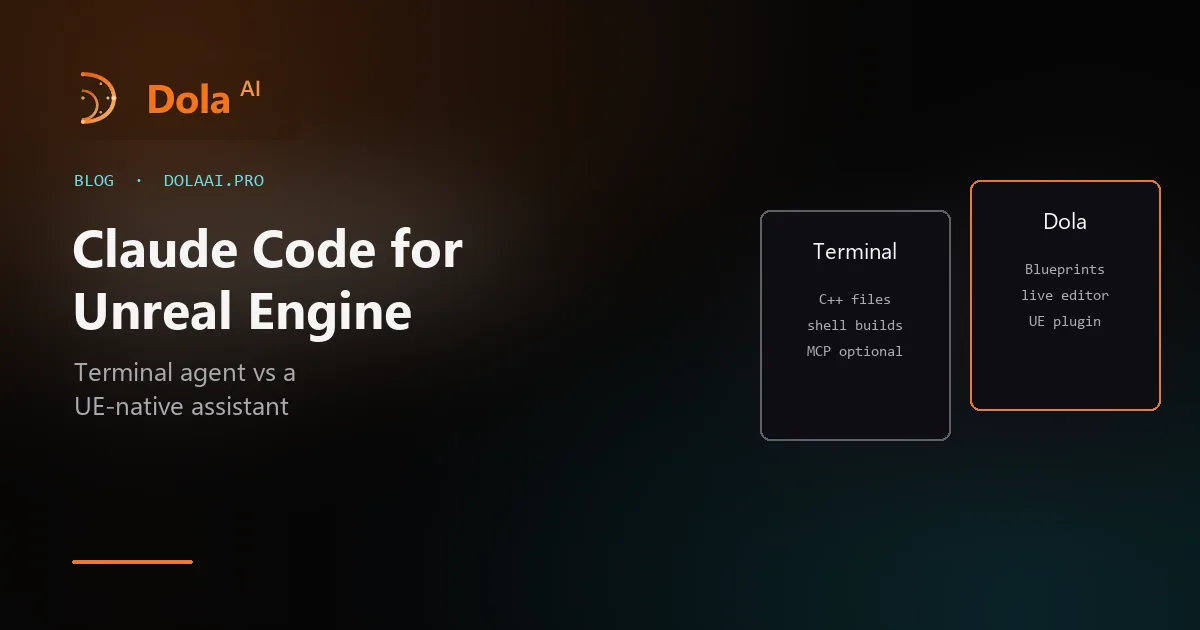
Claude Code is Anthropic’s agentic coding tool. It runs in a terminal (and in IDE integrations), reads your repository, edits files, and runs shell commands. It is general purpose: Unreal is one more codebase to it.
Dola AI is a UE-native assistant: a desktop app plus an Unreal Editor plugin with a local bridge, so its agents act inside the running editor. It is narrow on purpose: Unreal only.
Neither replaces the other. The useful question is where the work lives: in text files, or in the editor.
Where Claude Code is strong in a UE project
- C++ under Source/: new classes, refactors across many files, and following engine conventions it can read in your code.
- Builds from the shell: it can run your build command and react to compiler errors in the same session.
- Text assets and tooling: .ini config, .Build.cs and .uproject files, scripts, CI.
The gap is everything stored as binary assets or living in the editor: Blueprint graphs, levels, materials, Niagara systems, widgets. Claude Code cannot read or change those on its own. The usual fix is to connect an Unreal MCP bridge so it can call editor actions; what it can do then depends on that server.
Where a UE-native assistant is strong
- Blueprint graphs: read, add and wire nodes, set variables and components, compile, and save in the open editor (Blueprint AI).
- Editor work in plain language: actors, levels, imports, materials, animation, Sequencer, audio, UI (editor actions).
- Engine API lookups against your engine’s real classes, functions, and Blueprint nodes (Engine API reference).
- Play in Editor checks and Unreal automation tests reported back in chat (playtesting).
Dola also edits C++ source, but it does not run your build for you after each edit; you build in Unreal as usual and can paste errors back. Its published plugin builds are for Unreal Engine 5.7 on Windows and Linux editors.
Using both on one project
- Keep Claude Code in the terminal for C++ and build work.
- Open the same .uproject in Dola, install the plugin, and open Unreal Editor (connect a project).
- Ask Dola for the Blueprint, level, and asset side of the same feature.
- Take a Dola checkpoint before big changes, and commit between tools so each one’s edits are easy to review.
You can also run Claude models inside Dola with your own Anthropic API key, which is free on Dola’s side.
What about MCP?
Dola does not serve Unreal over MCP, so it is not a bridge you plug into Claude Code. It is an MCP client: you can add your own MCP servers in the Dola app. Details on Unreal Engine MCP and Dola. The same split for an AI IDE is Dola AI vs Cursor.
FAQ
Yes, for source work: it can read and edit your project’s C++ and config files and run build commands from the terminal. It does not see inside Blueprint .uasset files or the running editor unless you connect an Unreal MCP bridge for it to call.
Yes. Dola accepts your own Anthropic API key (Settings → Model → Override provider), and then it is free to use: you pay Anthropic directly. Paid Dola plans add Dola-hosted models instead.
Use Claude Code for repo-wide C++ changes, scripting, and builds from the terminal. Use Dola for work inside Unreal Editor: Blueprint graphs, levels, materials, imports, and Play in Editor checks. They can run on the same project.
Everything Dola does in Unreal, with limits and pricing: Unreal Engine AI assistant.