Loading…

Blog
Dola app download for Windows, macOS and Linux
How to download the Dola AI desktop app for Windows, macOS, or Linux, install it, sign in, and connect the Unreal Engine 5.7 plugin to your project.
Last updated 6 October 2026
Published 6 October 2026
Which Dola this guide is for
This guide installs Dola AI, the AI assistant for Unreal Engine developers at dolaai.pro: the Dola desktop app for Windows, macOS, and Linux plus an Unreal Editor plugin for Blueprints and C++. If you were looking for ByteDance’s Dola chat app (it was called Cici until late 2025), that is an unrelated product from a different company, and nothing below applies to it. More on the name clash in What is Dola AI?
The short version of the install: create an account, wait for access, download the installer for your operating system from your account’s Releases page, sign in inside the app, then attach your Unreal project and install the Dola plugin. Each step is below.
Before you download
Check these first so the install does not stall halfway:
- An account with access. Downloads sit behind a signed-in Dola AI account that has come off the waitlist. Access rolls out in waves, and sign-ups can close when the list is full.
- A desktop computer. The app ships for Windows, macOS, and Linux.
- Unreal Engine 5.7 for the plugin. Published Dola plugin builds target UE 5.7 on Windows (Win64). If your Unreal Editor runs on macOS or Linux, the published plugin does not cover it today. Modeling mode, the in-app Babylon studio, does not need Unreal at all.
- A connection to dolaai.pro. Your chats and project indexes stay on disk, but sign-in goes through dolaai.pro. Dola-hosted models also run through dolaai.pro on plan credits; with your own model provider API key, the app is free and talks to that provider instead. See plans and credits.
Step 1: Create your Dola AI account
Go to dolaai.pro/signup. Sign up with your name, email, and a password of at least eight characters, or use Join with Google. Email sign-ups get a verification email; verify it, then sign in to see your place in the queue on the dashboard.
If the form says the waitlist is full, sign-ups are closed for now. Anyone who already joined can still sign in. Problems with this step are covered in the Dola login guide.
Step 2: Download from your Releases page
Once your account has access, sign in on dolaai.pro and open Releases from the dashboard menu. The page lists the latest version for each platform:
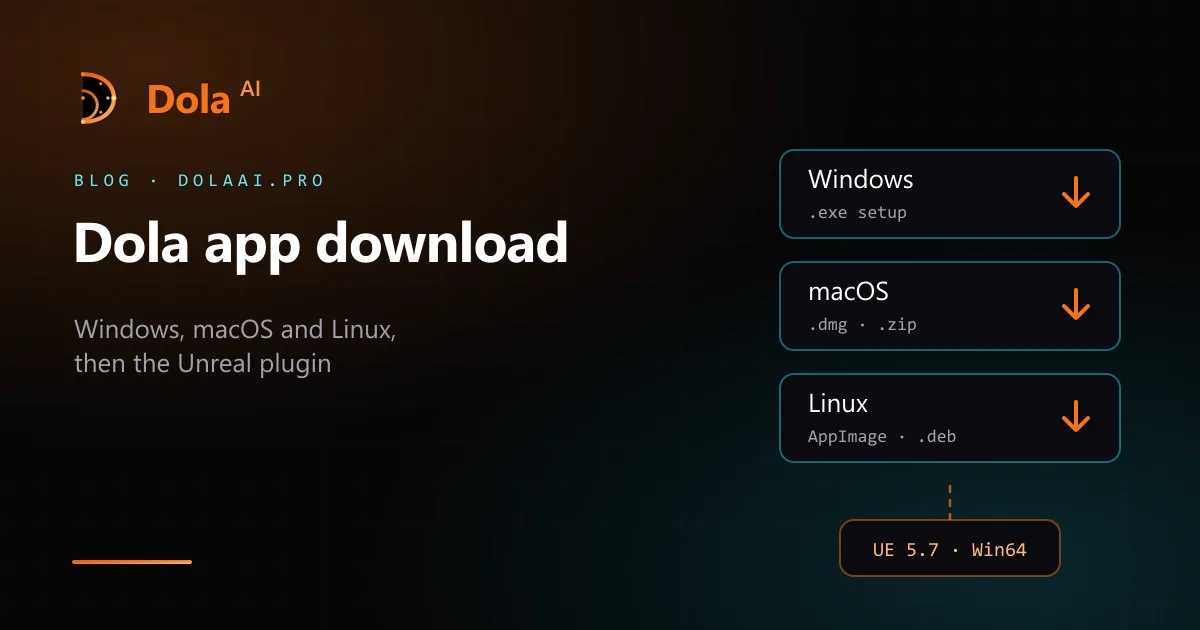
- Windows — a setup installer (dola-<version>-setup.exe).
- macOS — a .dmg disk image, with a .zip alongside it. If more than one Mac build is listed, pick the one that matches your chip.
- Linux — an AppImage and a .deb package.
That page is the only source of Dola AI installers. We do not publish a public direct link that skips the waitlist, and we do not put builds on third-party download or “APK” sites. If a site other than dolaai.pro offers you a Dola AI installer, do not run it.
Step 3: Install the desktop app
Windows. Run the setup file. It is a short wizard rather than a one-click installer: it installs for your user by default (choosing all users asks for administrator rights), lets you pick the folder, adds Start menu and desktop shortcuts, and offers to launch Dola at the end. To upgrade, run a newer installer over the existing one. Uninstalling leaves your chats, settings, and local indexes on disk.
macOS. Open the .dmg and drag Dola into Applications. If macOS refuses the first launch because it cannot verify the app, open System Settings → Privacy & Security and choose Open Anyway for Dola.
Linux. For the AppImage, make it executable and run it: chmod +x dola-*.AppImage, then ./dola-*.AppImage. On Debian or Ubuntu you can install the package instead with sudo apt install ./dola_*.deb.
Step 4: Sign in inside the app
Open the app’s account page and choose Continue in browser. Dola opens dolaai.pro in your default browser; sign in there (or confirm, if you are already signed in) and the browser hands you back to the app. You can also use Email log in inside the app. It is the same account as the website. Sign-in uses a short-lived browser hand-off, not a pasted API key.
Step 5: Connect your Unreal project and plugin
Dola never uploads or hosts your .uproject. You attach the project that is already on your disk, and tools run against that open project.
- On the desktop projects list, attach your Unreal project.
- Choose Install Dola plugin. The app writes the plugin into Dola’s local plugin folder and points the project’s AdditionalPluginDirectories at that install.
- Restart or reopen Unreal Editor after the first install so the local bridge between the editor and the app can handshake. You should not need to paste console commands.
Then try a small, checkable request: the first Blueprint workflow or first C++ edit. How the chat and its agents split that work is in Dola AI assistant: chat and agents. Reference pages: install and prerequisites, connect an Unreal project, and the Unreal plugin.
If the install goes wrong
- No download on the Releases page. If the dashboard still shows your waitlist position, your account does not have access yet.
- The editor will not connect. Check that the project is attached, the plugin is installed for that project, and Unreal Editor 5.7 has been reopened. Errors such as plugin_absent, handshake_timeout, or wrong_project usually mean re-running Install Dola plugin.
- Chat replies fail. A 401- or 402-style error usually points at your session or credit allotment, not at the Unreal install.
More fixes are in troubleshooting.
Dola app download FAQ
Yes. Creating a Dola AI account and joining the waitlist costs nothing, and the installers are free for signed-in accounts once access is granted. You can also use the app for free with your own model provider API key (Settings → Model → Override provider); that provider bills you directly. Dola-hosted models run on credits from the paid monthly plans (Indie, Pro, Pro+, and Max). See dolaai.pro/plans.
Only from the Releases page of your signed-in account on dolaai.pro. There is no public direct link that skips the waitlist, and Dola AI is not distributed through third-party download or APK sites.
No. Dola AI runs next to Unreal Editor on your computer, so it ships as a desktop app for Windows, macOS, and Linux. Phone apps called Dola, such as ByteDance’s Dola chat assistant, are different products.
Published plugin builds are for Unreal Engine 5.7 on Windows (Win64). The desktop app installs the plugin for the engine series of the project you attach.
No. Dola does not host your .uproject. Chats and project indexes stay on your computer; sign-in and Dola-hosted model requests go through dolaai.pro, while requests made with your own API key go to your provider.